
The Bottom Line
The natural disorganization of your company was never a security problem—until AI agents could surface anything technically accessible in seconds. "Behind a login" does not mean "secure." This week, ask your IT lead: "If I plugged an AI into our SharePoint right now, what would it have access to?"
Your Mess Was Never a Problem. Now It Is.
Every company has the same situation. Folders inside folders. Old files nobody's touched in years. A SharePoint site your CFO set up in 2019 that has wide-open access. Payroll data in a directory called "Admin_Archive." Vendor pricing buried somewhere three clicks past a folder nobody remembers exists.
This was never a security issue. The data was technically accessible, but nobody stumbled into it. The disorganization itself acted as a wall—not by design, but by accident. Your people didn't find sensitive files because they weren't looking, and the mess made it hard to look even if they tried.
That changes the moment you connect AI to your data.
"Behind a Login" Is Not "Secure"
Most CEOs assume their data is protected because it's behind a company login. But "login" controls who gets in. It doesn't control what they can find once they're there.
If your Microsoft Copilot has universal access, and employees with differing access both prompt it, the AI doesn't distinguish. It surfaces whatever its permissions allow. The same query returns the same data for both users.
We Watched This Happen
We audited a mid-sized firm last quarter. The CEO told us their data was safe—"it's all in SharePoint behind a login."
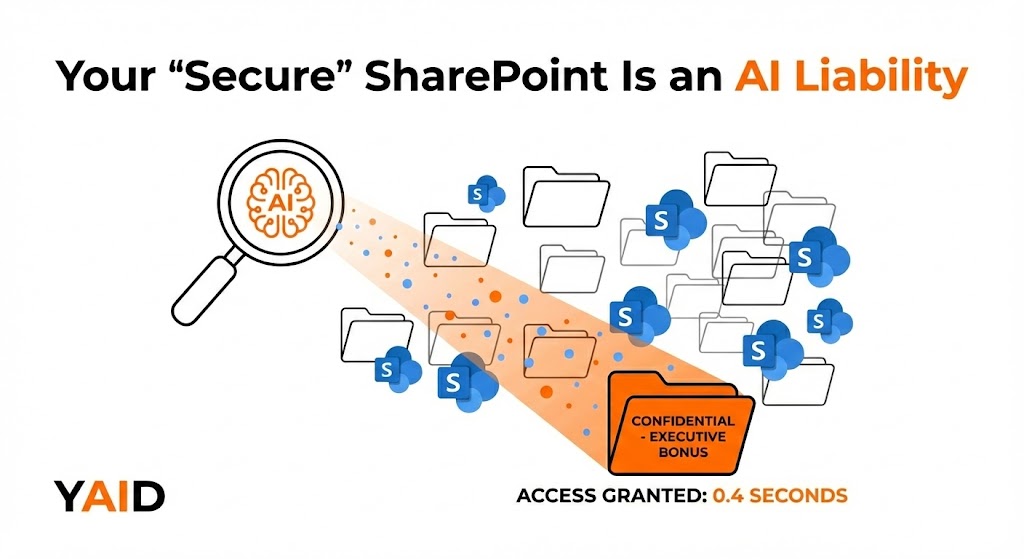
We plugged an AI agent into that SharePoint and asked: "Show me the bonus structure for the executive team."
It found the file in 0.4 seconds. Every employee in the company technically had access to it.
This wasn't a breach. The AI used the permissions it was given. The problem wasn't the AI. The problem was that the permissions were never built for an AI-first world.
This Is a Permissions Problem, Not a Data Problem
When we raise this with clients, the first instinct is to call IT and say "clean up SharePoint." Right impulse, wrong starting point.
Most IT teams treat it as a data cleanup—organizing files, archiving old folders. But in our audits, the red flag is rarely that the data is messy. The red flag is that permissions are too broad.
Map the permissions first. Look at the data second.
The question isn't "is our data organized?" It's "if an AI had the same access as any employee, what could it find that it shouldn't?"
What To Do This Week
Ask your IT lead one question:
"If I plugged an AI agent into our SharePoint with the same permissions as any employee, what would it surface?"
If the answer is "I'm not sure," you have what we call a Permission Bleed problem. And the first AI-literate employee who connects a tool to your environment is going to find it before you do.
The Bottom Line
AI doesn't create security holes. It exposes existing ones.
Book Your Free AI Security AssessmentShare this analysis
Related Insights

Why Your Best Employees Will Quietly Kill Your AI Project
Employee fear, not technical failure, is the leading cause of AI project death—the org chart kills projects, not the technology

Why 61% of CEOs Are Burning Cash on "Weak AI"
AI is labor, not software—invest in it like a VP of Sales, not procure it like a tool
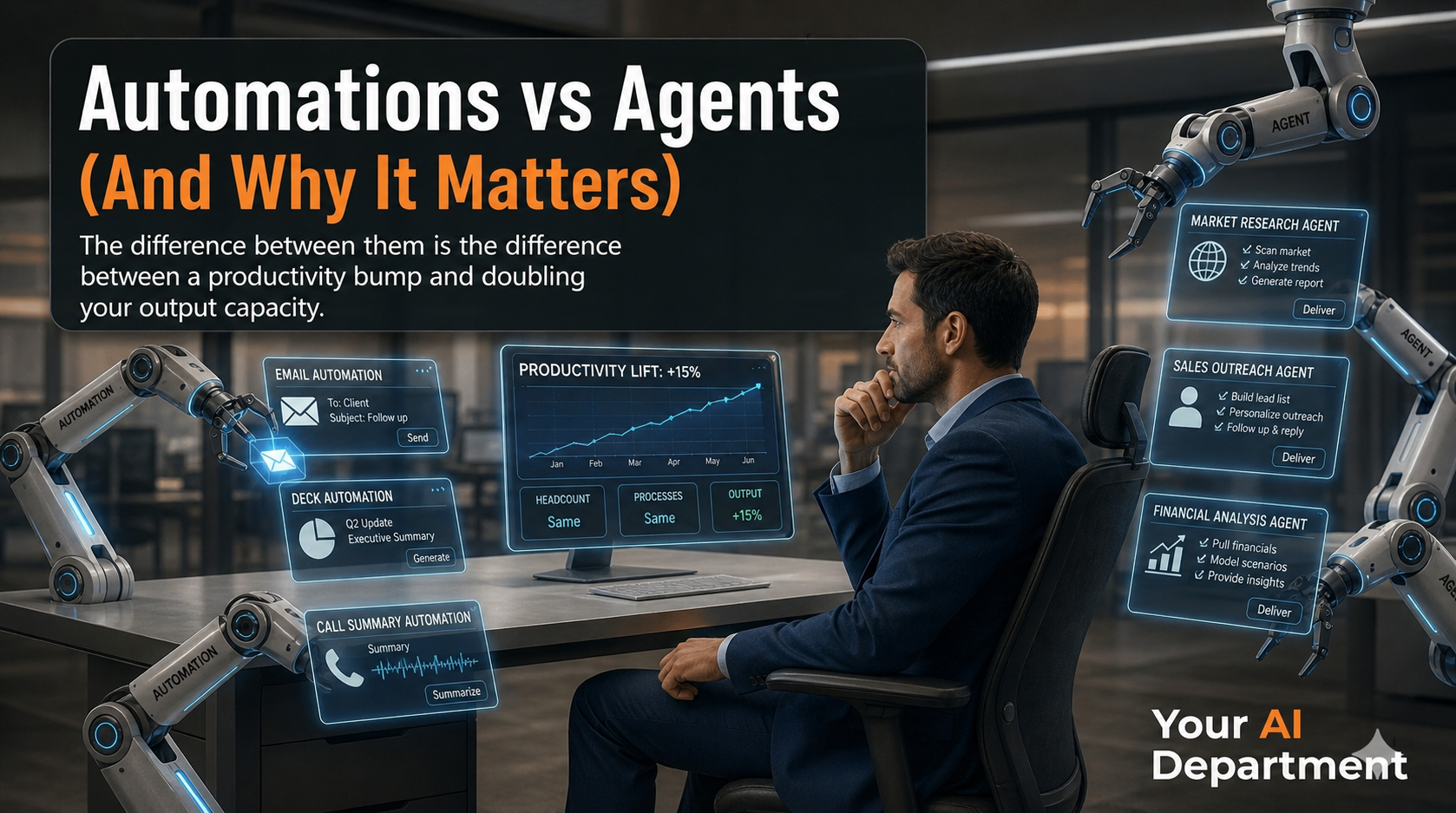
Automations vs Agents (And Why It Matters)
Automations follow fixed paths and boost productivity by 15%, but don't change your headcount math• AI agents make judgment calls in complex scenar...